4.3 Battery Charging
You can charge the battery using the provided manual charger or the wireless charging station.
If the battery level drops below 5%, a buzzer will sound for 1 minute before the power turns off.
Manual Charging
Section titled “Manual Charging”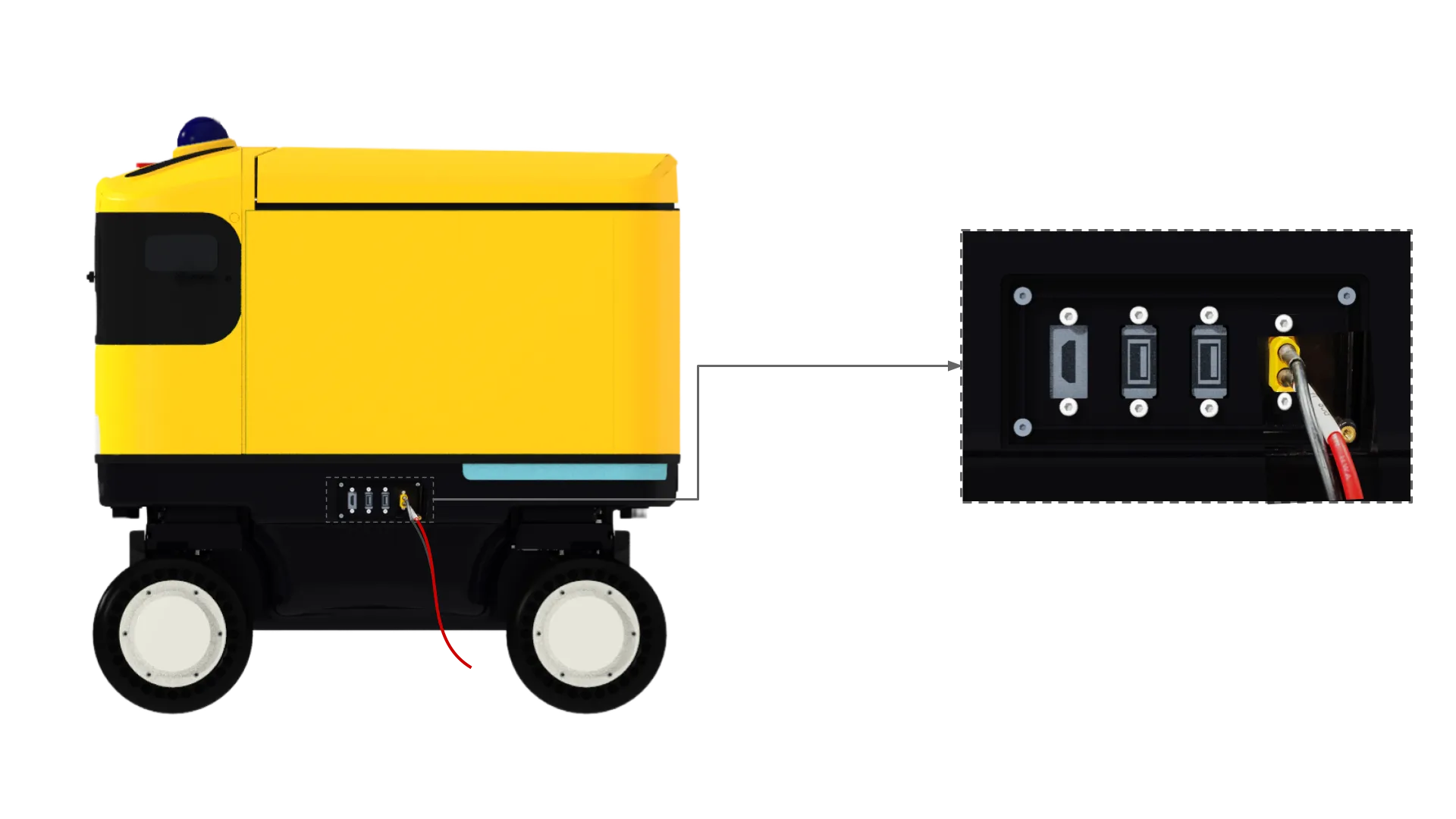
-
Locate the charging port on the HMI panel on the left side of the robot and connect the charger as shown.
-
The charger LED shows red while charging and green when fully charged.
-
Once charging is complete (green LED), disconnect the charger.
Wireless Charging Station
Section titled “Wireless Charging Station”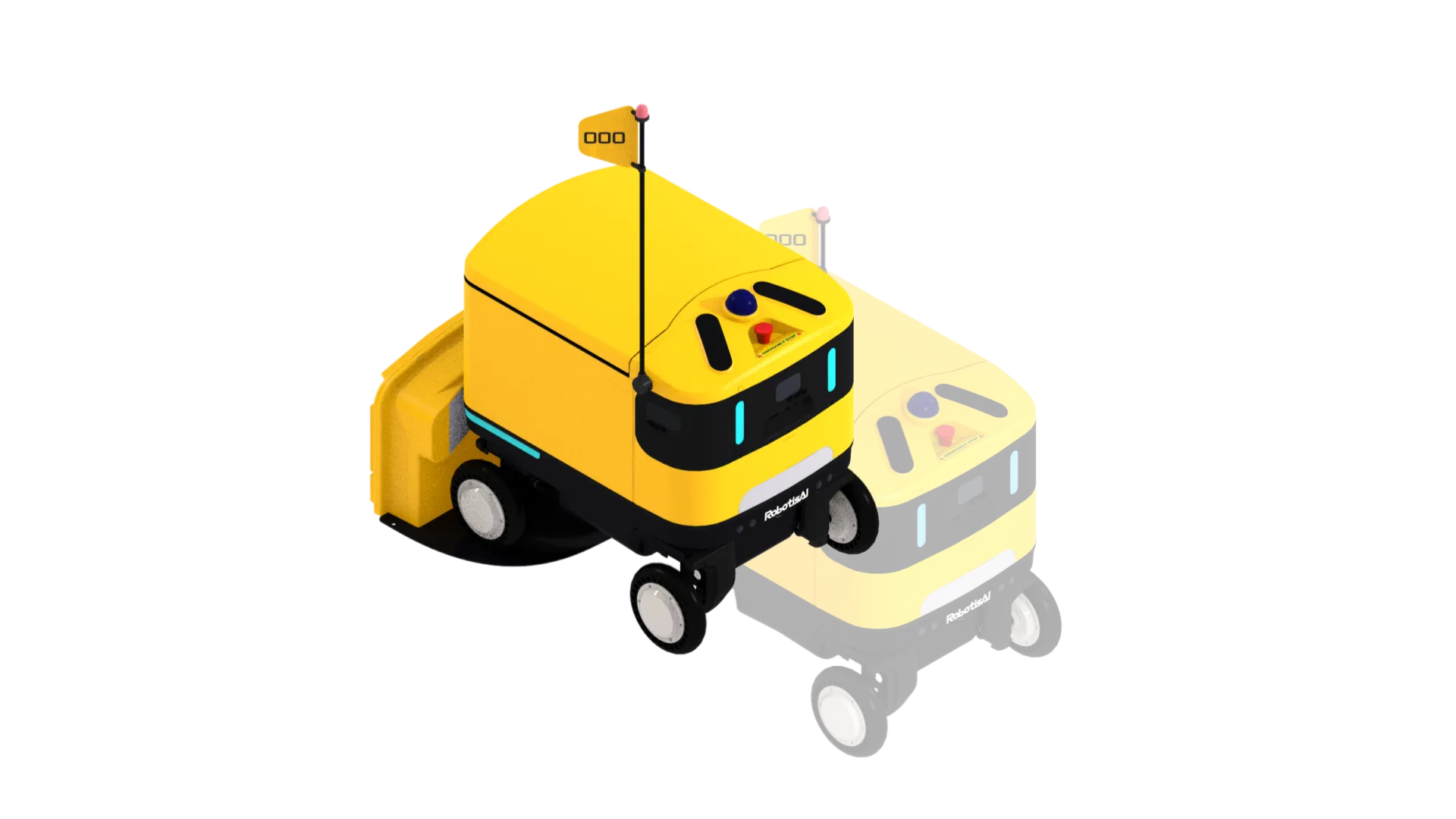
- Charging starts automatically when the robot reverse-docks into the charging station.
© 2026 ROBOTIS AI. All rights reserved.